Worksoft Test Estate Review for a Fortune 50 Food & Beverage Leader
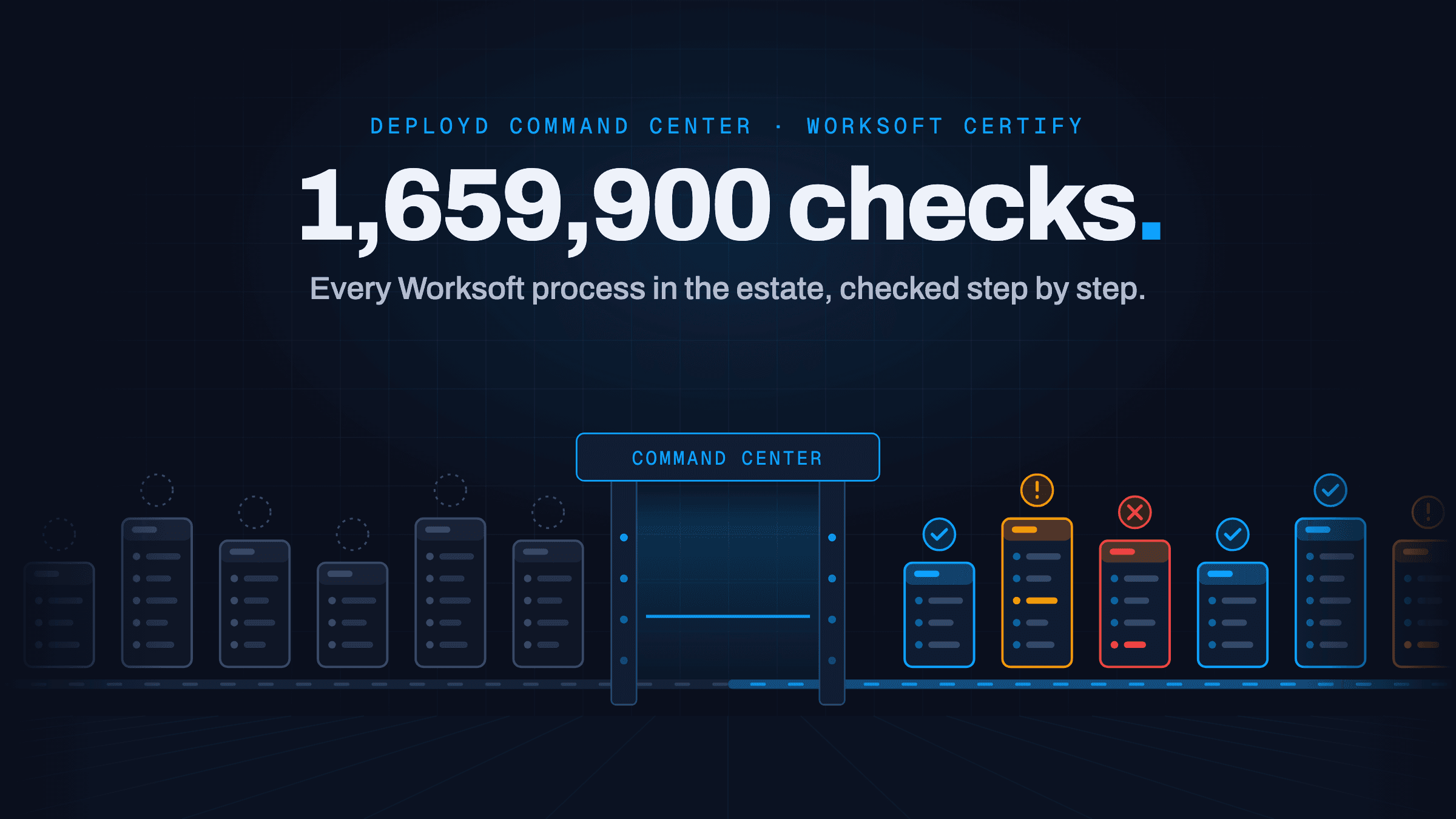
Deployd Command Center ran 1.66M automated quality checks across a Fortune 50 food and beverage company's Worksoft estate in nine weeks and ranked 8,382 processes to fix first.
Results that matter
The challenge
A Fortune 50 food and beverage company runs manufacturing, distribution and marketing across hundreds of markets. Every market, production line and release path had its own Worksoft Certify automation. Thousands of end-to-end tests ran across distributed QA teams.
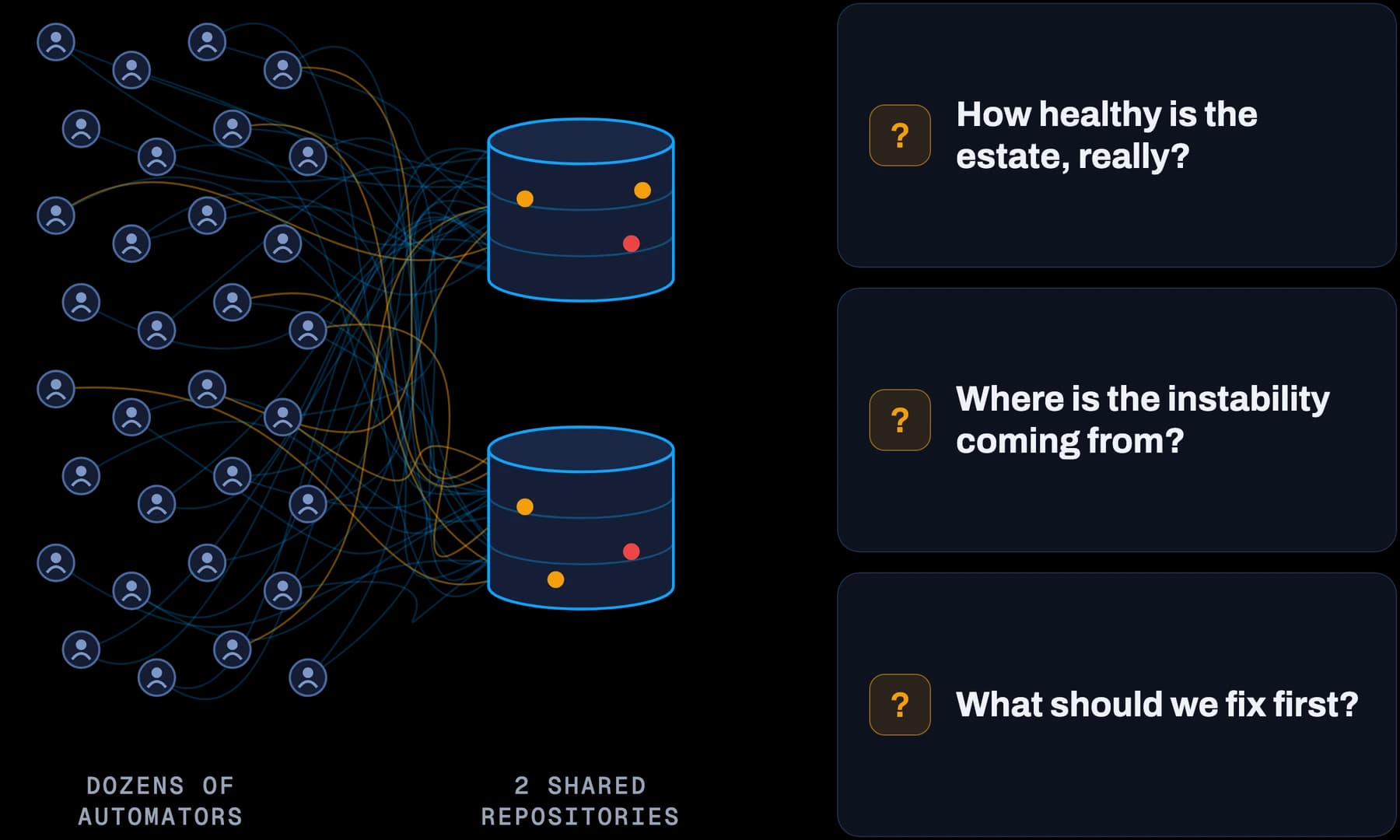
Dozens of automators, internal and external, had contributed to the same repositories with no enforced standard.
Technical debt built up for years: duplicate objects, unstable identifiers, and dead assets nobody dared to delete.
Regression runs failed without warning, and "is it the test or the app?" became the most expensive question in the room.
Three questions had no answer: How healthy is the estate, really? Where is the instability coming from? Of the thousands of possible fixes, which matter first?
Our solution
Measure first, fix second
The obvious move would have been to start fixing the failures everyone already knew about. Deployd held back. Without a clear view of the whole estate, any fix would just be a guess, and the team would keep chasing whatever failed loudest. So the first goal was visibility.
A quality bar built for this client
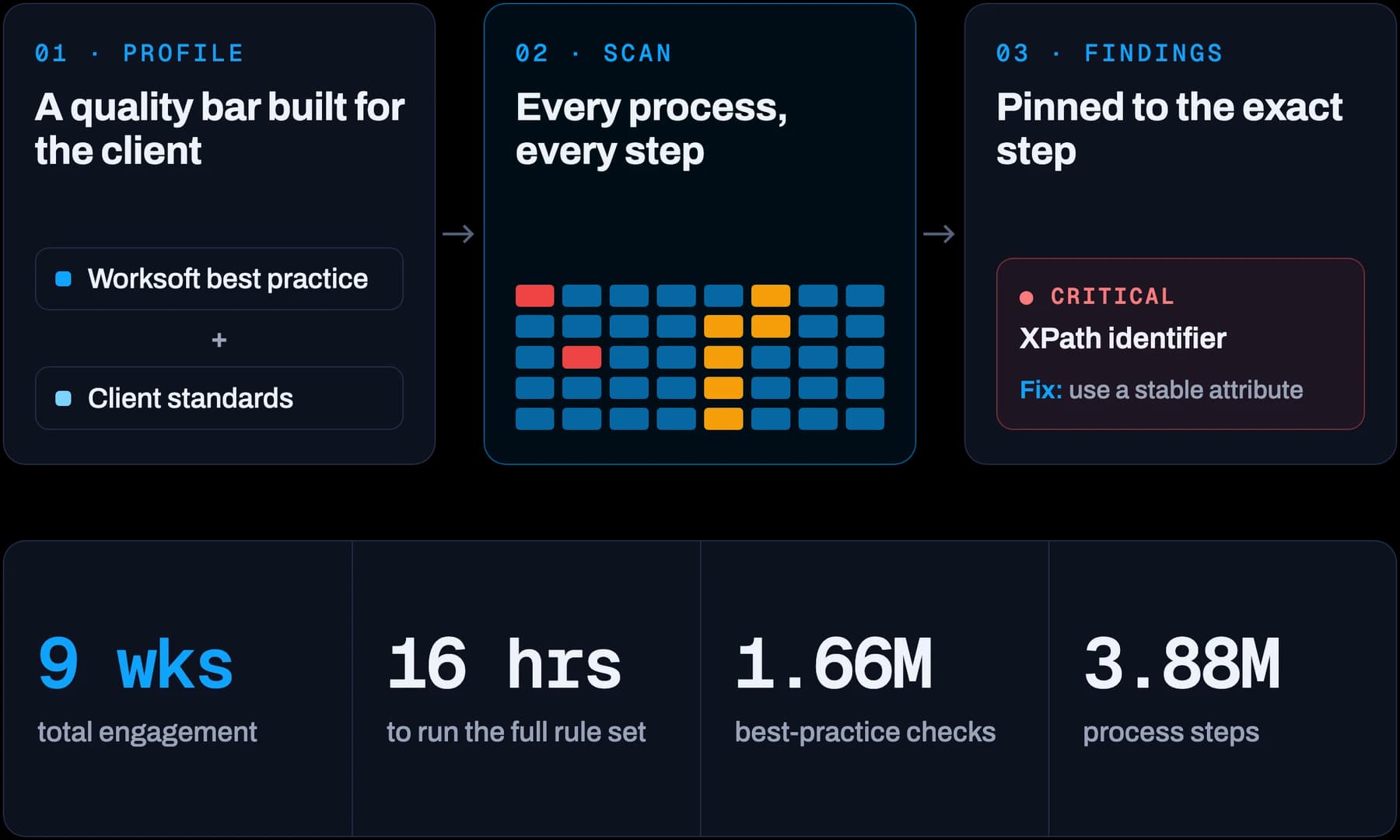
Deployd stood up two restored production-copy Certify databases in QA. Deployd Command Center was configured with a custom quality profile that combined Worksoft best practice with the client's own definition of great automation. That gave both teams one shared, objective standard to measure against for the first time.
Every process, not a sample
Command Center then ran the full rule set against every process in both repositories. In 16 hours it completed 1,659,900 best-practice checks across 3.88 million process steps. No manual review could come close at that scale.
Findings the team could act on
Each check was classed Critical or Minor. Every failure came with a comment and a recommended fix, tied to the exact process and the exact step. A parallel extract captured every asset in the estate for health analysis: variables, layouts, recordsets, applications, windows, objects, processes and stored results.
From boiling the ocean to taking aim
With the profiler running, the team stopped trying to fix everything at once. Command Center highlighted the processes that carried real execution risk, so effort went where it mattered most. The full review, from first access to final handover, took nine weeks.
The impact
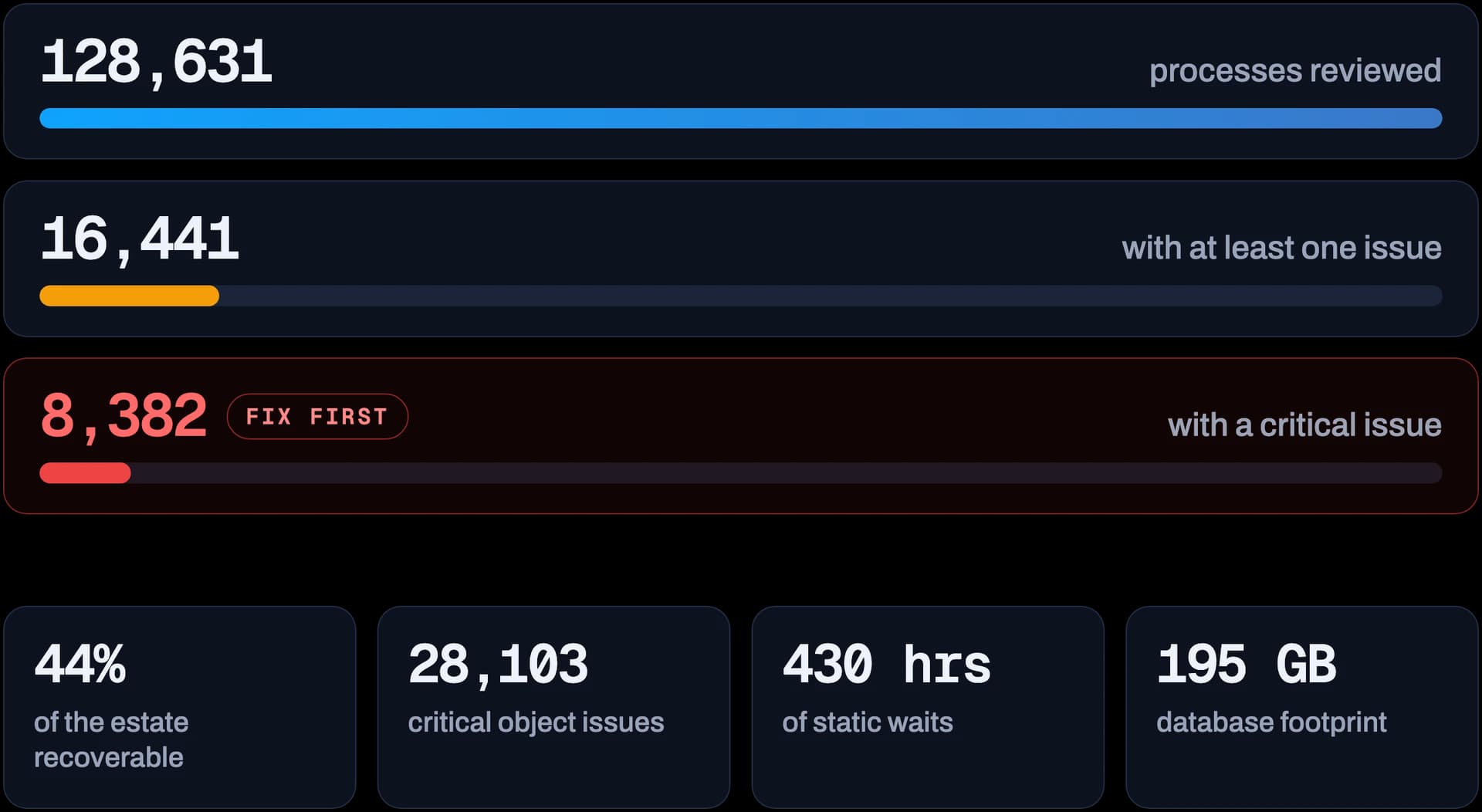
A ranked shortlist: 128,631 processes and sub-processes reviewed, 8,382 unique processes flagged as the first remediation wave
Root cause found: Object Attributes caused 28,103 critical occurrences, and 34,422 objects relied on XPath. The instability came from practices, not the Worksoft platform.
44% of the estate recoverable: unused, empty or stepless assets, not counting duplicates. Nearly 58% of objects were unused.
Runtime and risk exposed: 430 hours of static waits, 10,651 risky taskkill steps, and 92 masked variables stored in clear text
Database footprint mapped: 195 GB reserved, driven by 1.14M screenshots from failed and aborted runs
Ownership gaps surfaced: 8,267 processes had no assigned owner
Product impact: 16 client-requested enhancements accepted into Command Center, with 10 shipped before handover
An ongoing quality gate: a repeatable review now checks automation each release before it enters the suite
Ready to achieve similar results?
Let's discuss how we can transform your testing process and help you ship with confidence.